Source first
Use the official game site, Roblox page, and Roblox page for identity, availability, and store information.
Separate confirmed facts from previews.Independent pet-collection player wiki
Prepare for Collect All Pets! with verified pet, egg, area, and progression references, with a clear record of details that still need confirmation in the current game.
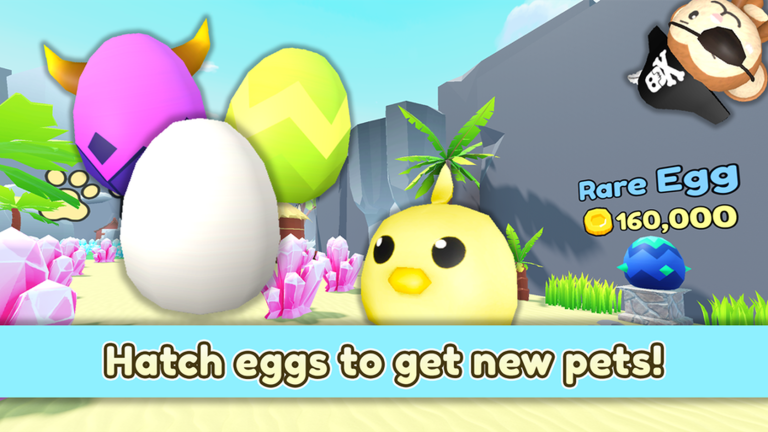
 Collect All Pets! written guide statusFirst-session preparation
 Featured guides
Follow the guide that matches your current question, from a first-session route and pet collection practice to pets, areas, progression, current-game checks, and dated updates.
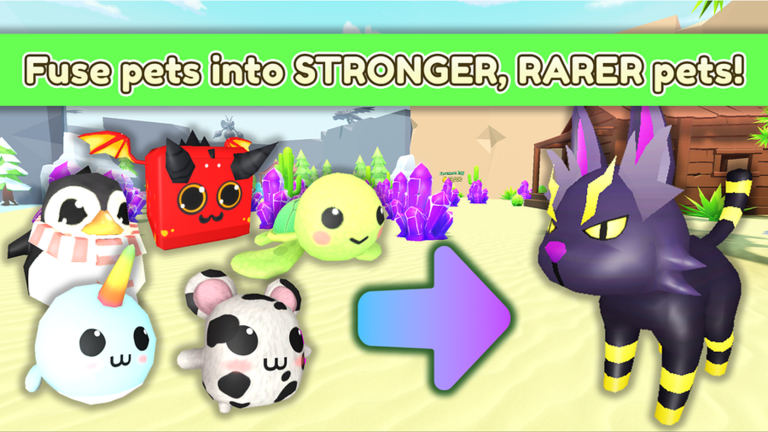
Start Collect All Pets! with a safe hatch, crystal, Gold, fusion, quest, and area loop that adapts to the current game UI.
Open guide Build a reliable Collect All Pets! pet list from the live collection UI, with rarity, egg source, variants, power, and verification fields.
Open guide Hunt Shiny pets in Collect All Pets!, track official Shiny Score milestones, prepare hatch and fusion batches, and verify current luck values.
Open guide Prepare a Collect All Pets! Rebirth, read the live reset confirmation, plan Mythic Stone spending, and track official Rebirther milestones.
Open guide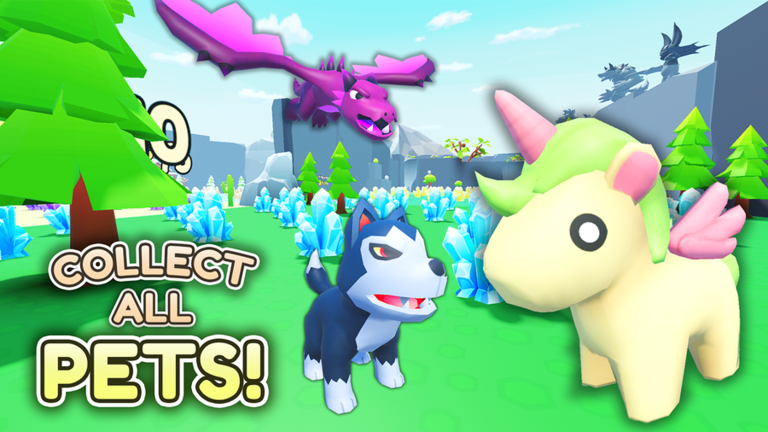
Follow the community-documented Collect All Pets! zone route, verify live gates, and compare each area's farming and collection value.
Open guide Track every readable official Collect All Pets! Pet Collector milestone from 50 to 10,000,000 Pet Score and plan the next collection target.
Open guide Compare Collect All Pets! egg sources, choose a useful hatch batch, protect discoveries, and verify prices and pools in the current game.
Open guide Track verifiable Collect All Pets! metadata changes, official description details, and the safest way to confirm a real gameplay update.
Open guideFirst-session preparation
Use the official store information as your base, then move from a first hatch into pet, egg, area, and progression notes as you play.
Start with the verified Roblox page and official links; access and current details can change.
Read the beginner and pet guides before treating an early impression as a complete collection route.
Use the pet and egg guides to compare confirmed sources, then verify current costs and rewards in game.
Pet sources, area gates, rewards, and content availability should be confirmed against the current game after updates.
Use this written guide status presentation to understand the game’s tone and pet collection presentation. Treat it as a preview, not a final balance reference.
Start here
Open the guide that helps with the decision in front of you, then use official sources for any detail that can change before or in the current game.
Check current-game information, platform notes, and a practical starter route before you open or play.
→ PetsStart with pet collection terminology, defensive choices, and what still needs hands-on verification.
→ EggsBrowse the pet index and progression guidance without mistaking incomplete unverified data for final values.
→ AreasUse the areas and badge pages to organize confirmed names, places, and story context.
→Preparation priorities
A good next step answers the question you actually need to make a safe choice.
Use the official game site, Roblox page, and Roblox page for identity, availability, and store information.
Separate confirmed facts from previews.Pick a pet collection, pet, area, or technical question before opening a guide so the next page has a clear purpose.
Choose the question before progressing.Early videos and store copy cannot settle final controls, balance, performance, or complete content lists.
Recheck details in the current game.What the wiki can confirm
Official listings, player guides, and the current game each answer different questions.
Roblox identifies Collect All Pets!, Universe ID 3359505957, TwoZoos, Roblox, and a current game status. The official site and Roblox page provide complementary platform information.
→ Guide referenceUse the linked hubs to compare player-facing explanations and marked verification status as the game’s information becomes testable.
→ Current-progression checkConfirm changing mechanics, performance, accessibility, availability, and any unverified list in the current game.
→Wiki directory
Start with the part of the game you are planning for; use date and verification notes whenever a detail may change.
Current-information reminders
Use the wiki to prepare, but rely on official sources and the current game for details that can change.
Roblox currently lists a current game status. Confirm your region, device access, and availability through official store pages before opening the game.
Check the guide →Track verifiable Collect All Pets! metadata changes, official description details, and the safest way to confirm a real gameplay update.
Check the guide →Player FAQ
Direct answers for players deciding what to follow, prepare for, or verify next.
Collect All Pets! is a Roblox pet-collection experience. Its Roblox store page credits TwoZoos as developer and Roblox as publisher, and presents your pet collection’s journey through a pet-collection world.
Roblox lists a current game status. Availability, regional access, and device access can change, so confirm the current official page before opening the game.
The verified Roblox page lists the Windows PC version. Roblox’s official page lists the game for supported Roblox devices; confirm final availability and regional timing with each storefront.
Roblox identifies TwoZoos as the developer and Roblox as the publisher.
Begin with the codes and beginner guides, then move to pet collection basics. This keeps official information separate from details that require current game-progression testing.
Not yet unless a page identifies a source and verification status. Unverified materials can introduce or change information, so use them as planning references rather than final balance data.
Check the controller guide and the current Roblox store page. Final support, prompts, and configuration behavior need verification in the current PC game.
No. This is an independent fan guide. TwoZoos, Roblox, and Roblox are the sources for official announcements and storefront information.
Evidence-aware player help
The wiki separates official identity references from details that need current-game testing.
Independent fan wiki. Not affiliated with TwoZoos, Roblox, Roblox, or Roblox.